ESP Wi-Fi Motion Sense Project
Wiring Schematic
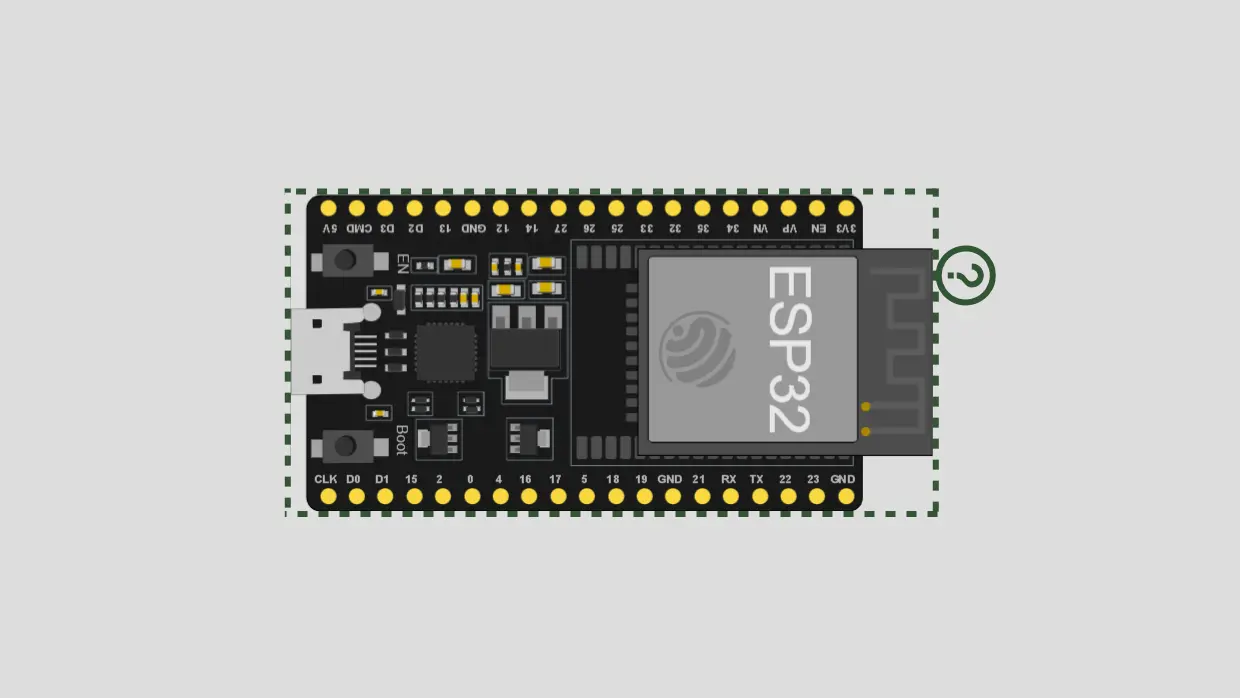 View full-size circuit ↗
YOUR PROJECT LEARNING PATH
Build it with confidence.
Project overview
Know what you’re building before you start wiring.
Build WiFi Motion Sense using ESP32 and ESP8266 development boards to experiment with camera-free motion and presence estimates from changes in Wi-Fi signal strength. Sensor readings are filtered before submission to a local Python server.
A Flask dashboard combines both sensors' reported motion scores, calibration states, RSSI metrics, event counts, and a virtual room visualization. Results are heuristic estimates, not accurate radar-based localization.
Use only authorized lab spaces, inform affected people, and treat all presence results as experimental estimates rather than reliable tracking.
Components required
Gather these parts before you begin.
Build the project
Work through one focused step at a time. You can revisit any step whenever you need.
Prepare the Hardware and Network
Place both development boards and the router in a stable authorized test area. Connect each board to the computer with a data-capable USB cable, then keep the router and sensors stationary during calibration.
No separate motion sensors, cameras, or GPIO wiring are required; the boards use their Wi-Fi connection to measure router RSSI.
Configure Wi-Fi and Server Addresses
In both firmware files, replace the placeholder Wi-Fi credentials and YOUR_SERVER_IP with your network details and the computer's IPv4 address. Keep the server and sensors on the same reachable network.
In esp32/esp32.ino, change /api/esp32 to /api/esp to match Flask's registered route; the ESP8266 route /api/esp8266 is already correct.
Install Arduino IDE and Board Support
Install Arduino IDE and both the ESP32 and ESP8266 board packages. Open each firmware file, choose the correct board and serial port, and upload the matching firmware only after correcting ESP32's endpoint.
Both firmware files sample RSSI every 300 milliseconds and send filtered data to Flask using HTTP POST requests with JSON payloads.
Install Python and Start Flask
Install Python 3, open a terminal in the Server directory, and install packages from requirements.txt. Run python app.py to start Flask on port 5000 for browser and sensor communication.
The requirements list Flask and Flask-CORS, but app.py does not currently configure or use Flask-CORS; same-origin dashboard requests do not need it.
Complete Calibration and View the Dashboard
Open Serial Monitor at 115200 baud and allow each sensor to complete its 80-sample baseline calibration, approximately 24 seconds at the configured interval. Then visit the computer's server address on port 5000.
The dashboard refreshes /api/data every 500 milliseconds and shows sensor states, RSSI metrics, motion, presence, confidence, direction, events, and virtual-room position estimates.
Software & tools
Install these before uploading the firmware.
Expected output
Compare your build with the result described here.
After both boards connect and calibrate, Serial Monitor shows each sensor's RSSI, filtered signal, baseline, motion score, presence, calibration status, and HTTP response code. The Flask dashboard is available at the computer's local address on port 5000.
The dashboard combines reports into motion and presence indicators, confidence percentage, heuristic direction labels, event counts, and X/Y coordinates on an eight-by-six-metre virtual room. These coordinates are estimates, not physical tracking measurements.
Troubleshooting & fixes
Choose the issue that best matches what you’re seeing.
01ESP32 sensor remains offline
Change the ESP32 URL to /api/esp, since app.py registers /api/esp rather than /api/esp32. Verify server IP, Wi-Fi credentials, HTTP response codes, and firewall access on port 5000.
02ESP8266 sensor remains offline
Check SSID, password, and the computer's IPv4 address in its serverURL. Confirm the ESP8266 uses /api/esp8266, both devices share the network, and Flask is listening on port 5000.
03Motion detection is unstable or inaccurate
Keep router and sensors stationary during calibration, then test controlled movements. RSSI varies with people, walls, traffic, and interference. Change sample arrays and addSample() parameters to float to preserve filtered RSSI decimals.