ESP32 Free WiFi Prank Portal
Wiring Schematic
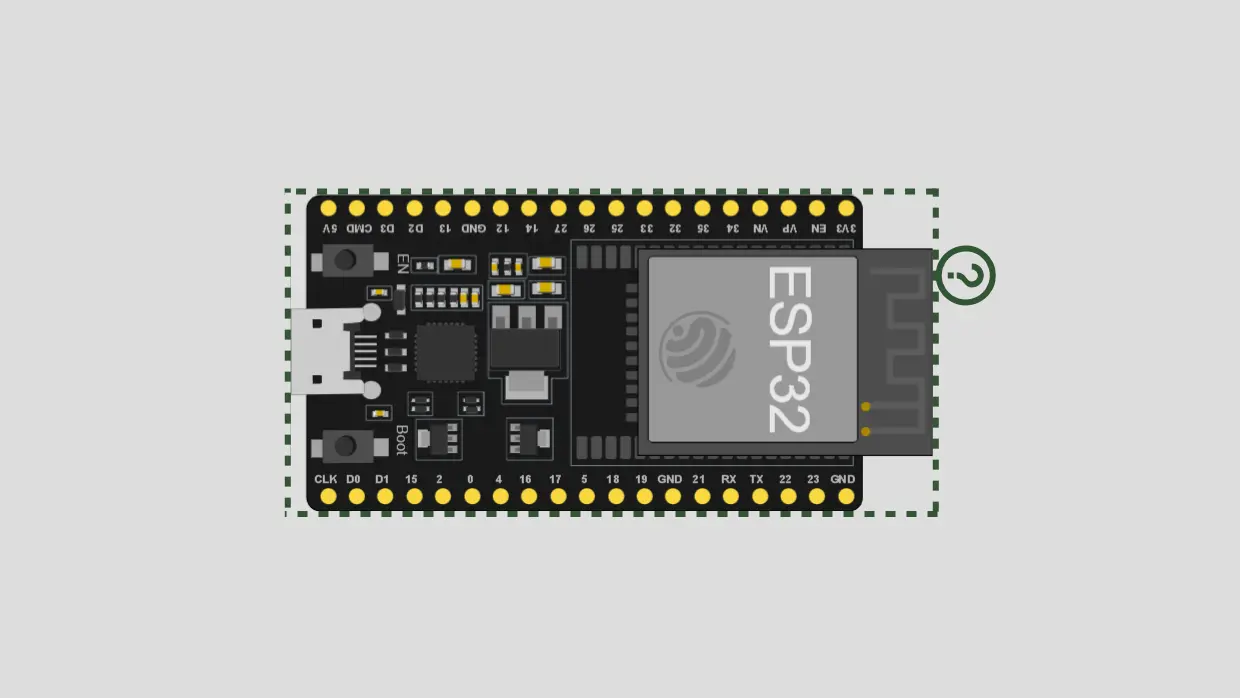 View full-size circuit ↗
YOUR PROJECT LEARNING PATH
Build it with confidence.
Project overview
Know what you’re building before you start wiring.
Build a playful ESP32 captive portal that creates an open Wi-Fi hotspot and redirects browser requests to a humorous local webpage. The page shows “NOTHING IS FREE” with an included Rick Roll GIF.
The ESP32 runs a wildcard DNS server and an HTTP web server, serving the prank page and GIF without internet access. Its responsive layout supports phones and desktop browsers.
Use only with consenting participants on your own device; this open hotspot provides no internet and may mislead users.
Components required
Gather these parts before you begin.
Build the project
Work through one focused step at a time. You can revisit any step whenever you need.
Prepare the ESP32 and Development Computer
Connect the ESP32 to your computer with a data-capable USB cable, then open the extracted project folder in Visual Studio Code. Keep the board on a stable, nonconductive surface during setup.
No sensors, LEDs, or resistors are used; the ESP32's built-in Wi-Fi supplies the hotspot and the local DNS and web services.
Install PlatformIO and Open the Project
Install Visual Studio Code and the PlatformIO IDE extension, then open the main folder containing platformio.ini. The project targets the esp32dev board and uses the Arduino framework for firmware development.
The source includes WiFi.h, WebServer.h, DNSServer.h, and SPIFFS.h for access-point, DNS, HTTP, and file-serving functions provided by the ESP32 Arduino framework.
Upload Firmware and Start the Hotspot
The firmware starts an open access point named “Free 5G HighSpeed WiFi,” configures its address as 192.168.4.1, and redirects DNS queries to that address using a wildcard DNS rule.
The code uses DNS port 53 and HTTP port 80. The hotspot is open and does not provide internet access.
Upload the GIF to SPIFFS
The page loads `/media/rick.gif` from the ESP32 SPIFFS filesystem. Keep the GIF inside `data/media/rick.gif` in the project folder before creating the filesystem image for the separate upload step to include it.
Run `pio run --target uploadfs` after firmware upload; the project configuration selects SPIFFS, not LittleFS, so the two settings must match.
Connect and Open the Prank Portal
Connect your phone or computer to the hotspot, then open a browser. If automatic captive-portal detection does not appear, enter `http://192.168.4.1` manually to load the local page served by the ESP32.
The page shows “Free WiFi Connected!”, “NOTHING IS FREE,” the embedded GIF, and a friendly prank message; no login form is present.
Software & tools
Install these before uploading the firmware.
Expected output
Compare your build with the result described here.
After startup, Serial Monitor shows the startup message, hotspot name, and portal IP address. Connect to the ESP32 network and open `http://192.168.4.1` if the device does not display a captive-portal prompt.
The page presents “Free WiFi Connected!”, the “Looking for free internet?” prompt, “NOTHING IS FREE,” the Rick Roll GIF, and a friendly closing message. The portal works locally without internet when SPIFFS is uploaded successfully.
Troubleshooting & fixes
Choose the issue that best matches what you’re seeing.
01ESP32 hotspot does not appear
Confirm firmware upload succeeded, the board restarts, and Serial Monitor runs at 115200 baud. Check the USB data cable and scan for the exact SSID, `Free 5G HighSpeed WiFi` name.
02Prank portal does not open
Join the ESP32 hotspot and manually visit `http://192.168.4.1`. Automatic captive-portal pop-ups vary by operating system; verify DNS is running and the HTTP server has started.
03Rick Roll GIF is missing
Confirm `data/media/rick.gif` exists, then run `pio run --target uploadfs`. The actual `platformio.ini` selects SPIFFS, and the code reads `/media/rick.gif` from SPIFFS; LittleFS will not match without changing the source and configuration.